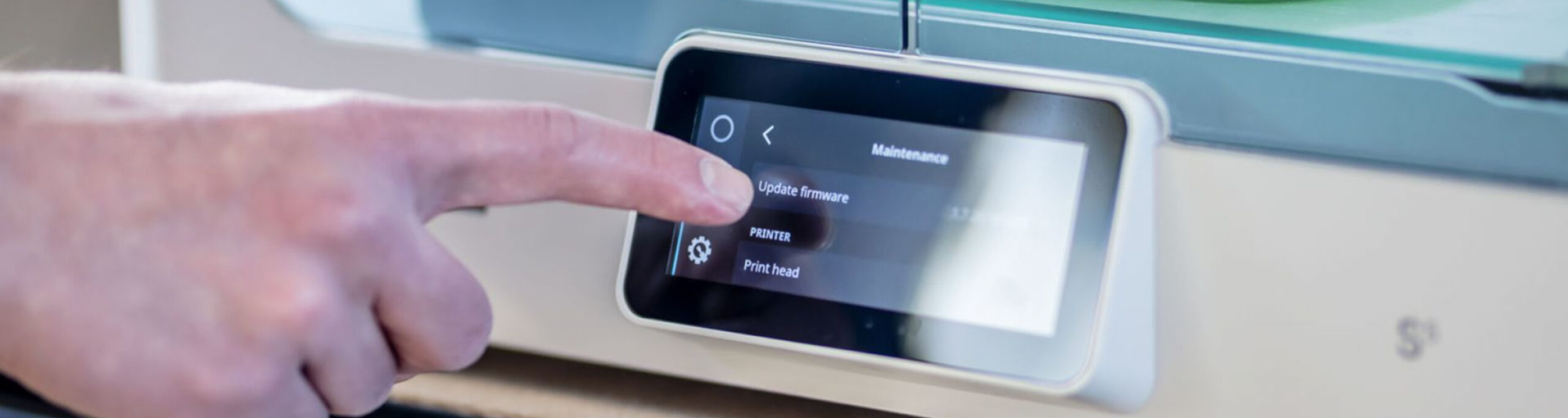
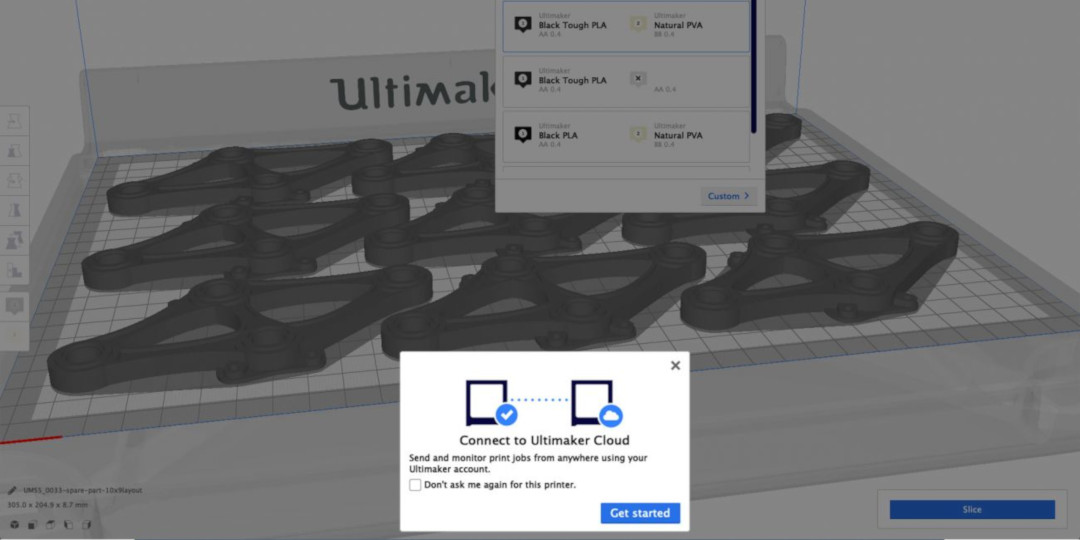
Enjoy all the benefits of Ultimaker Cloud by updating your Ultimaker 3D printers to firmware 5.2. Cloud connectivity and new performance optimizations give you the most powerful 3D printing experience available.
What’s new?
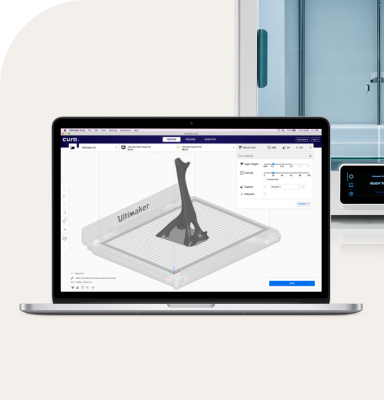
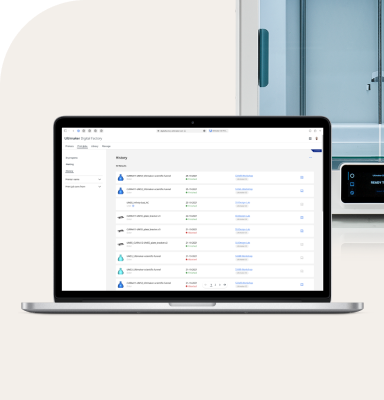
Remote printing. Send print jobs from anywhere in the world and stay informed of the print process no matter where you are. Remote printing requires Ultimaker Cura 4.0 and an Ultimaker 3 or Ultimaker S5 3D printer. For now, one printer can be connected per Ultimaker account.
Use Ultimaker Cura with a networked Ultimaker printer to enable cloud connectivity
Model-based active leveling. We've boosted the efficiency of active leveling on the Ultimaker S5. Instead of probing the entire build plate, only the footprint of the model is measured before a print starts. Disabled print cores are skipped to speed up the process. To make use of this feature, prints need to be prepared using Ultimaker Cura 4.0 or above.
Leveling sensor test. We've added a new diagnostic for Ultimaker 3 and Ultimaker S5 3D printers – the leveling sensor test. This checks if the capacitive sensor in the print head is in top condition, and lets you know if maintenance is needed. The leveling sensor test reports if (a) the sensor is working correctly (b) signal interference is detected (c) the sensor needs maintenance.
Filament runout detection. Filament flow settings for materials are embedded in UFP files. This makes filament runout detection for the Ultimaker S5 more accurate.
Bug fixes
Less noise. We've reduced the noise lowering the build plate when prints are finished.
Ultimaker S5 lights. The internal lights of the Ultimaker S5 can now be completely turned off.
TPU materials. For better reliability, we’ve optimized the bed temperature for TPU materials during XY calibration.
Ready for the future
This firmware update is available for Ultimaker 3 and Ultimaker S5 3D printers.
Firmware 5.2 makes future updates simpler, with a unified firmware package for both the Ultimaker 3 and the Ultimaker S5. Unified firmware also means we can better develop and support future firmware releases.
An Ultimaker account enables cloud printing and access to our community of 3D printing experts. Give your feedback on this release and help us to shape future releases.