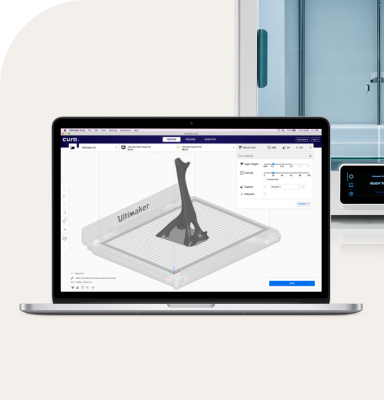
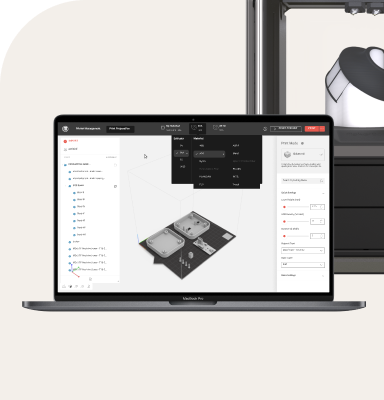
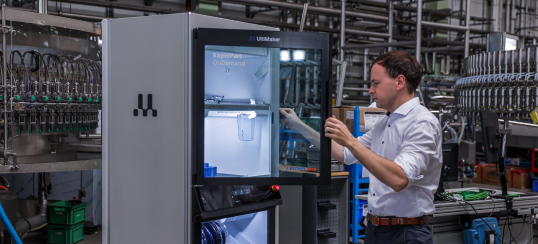
Multi-material 3D printing is transforming how engineers, designers, and manufacturers prototype and produce functional parts. By combining different materials within a single print, professionals can unlock advanced design possibilities that reduce assembly steps, improve part performance, and accelerate development timelines.
What is multi-material printing?
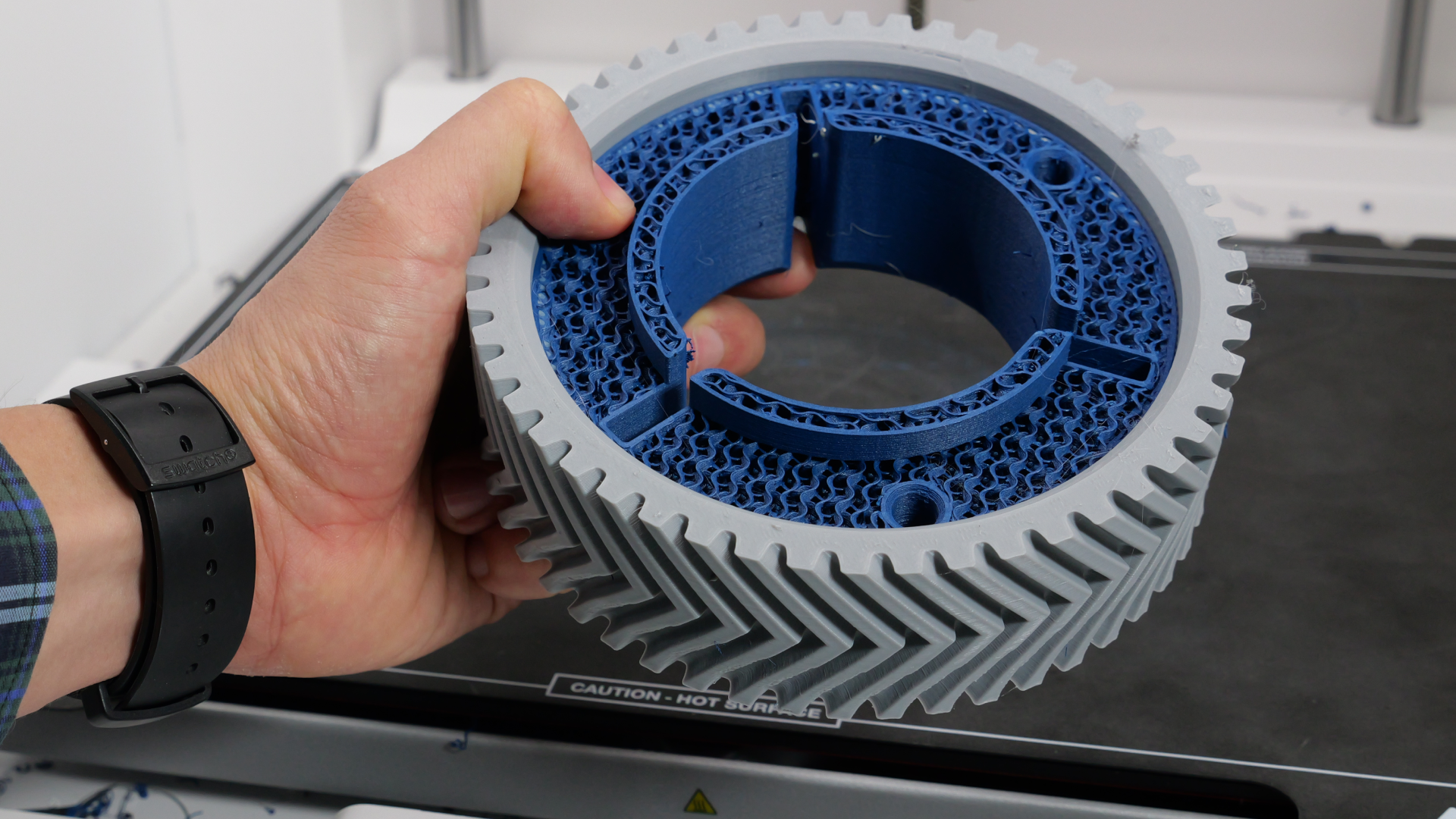
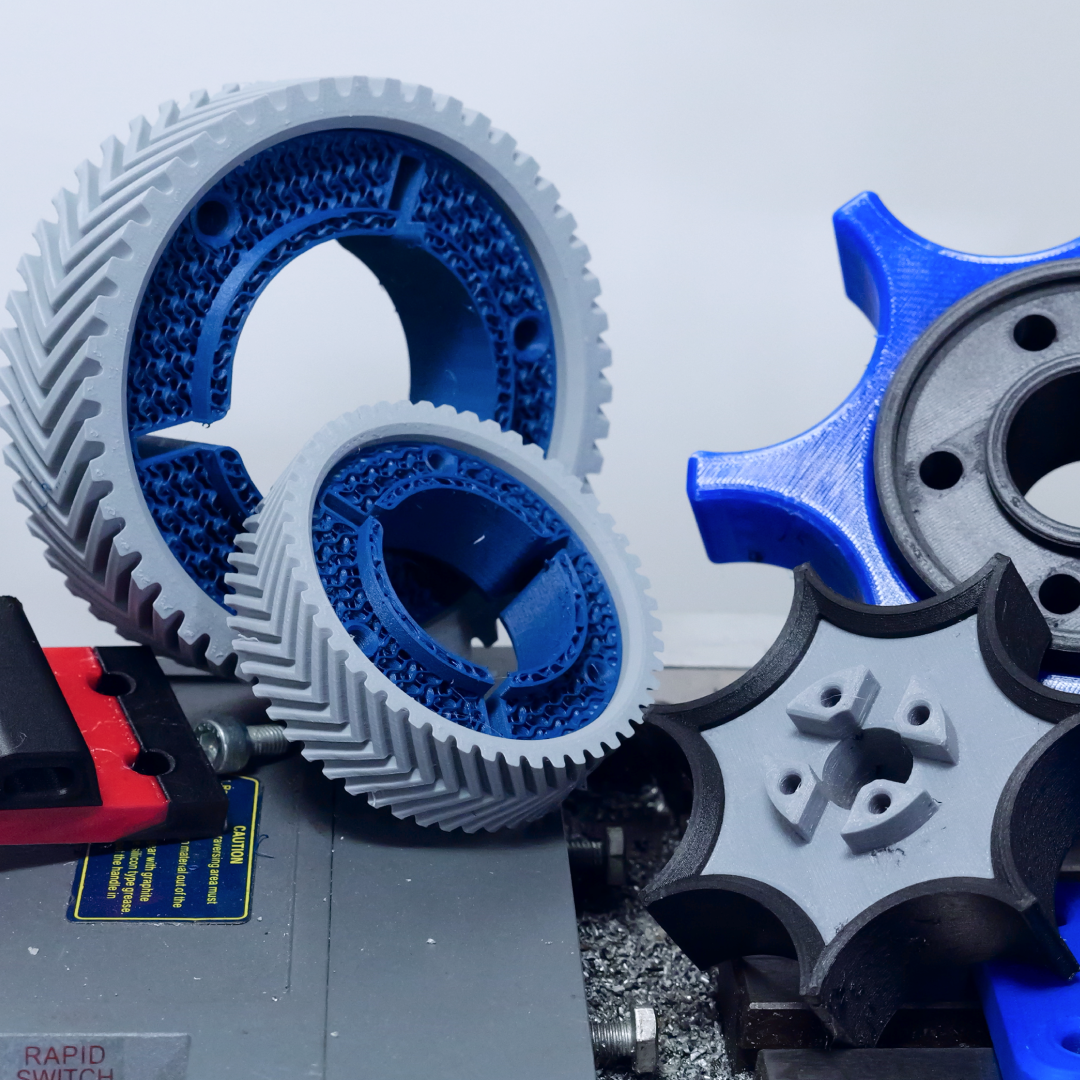
Multi-material 3D printing refers to the ability to print a single part using two or more distinct materials within one job. This capability opens the door to a wide range of applications—from simple visual models that combine colors to highly technical components that integrate materials with different physical or chemical properties. Common use cases include functional prototypes, production aids, end-use parts, and visual models where combining materials provides either functional or aesthetic benefits.
Key advantages
- Enhanced Functionality: Multi-material printing makes it possible to produce hybrid parts that combine flexibility, rigidity, conductivity, or temperature resistance—enabling more capable end-use parts.
- Complex Geometries: Soluble support materials such as PVA or RapidRinse enable complex overhangs and internal cavities that cannot be achieved with standard breakaway or single-extrusion supports.
- Reduced Assembly Needs: By printing multi-component parts in one pass, multi-material printing can reduce or even eliminate the need for post-processing or assembly, saving time and increasing part strength.
- Improved Aesthetics and Usability: Color-coding sections of a part or incorporating tactile features with flexible materials can enhance the usability and clarity of functional prototypes or tools.
Whether you're designing jigs and fixtures, engineering-grade prototypes, or custom components for end-use, multi-material printing expands the possibilities of what can be produced directly from a 3D printer.
Section 2: Material combinations
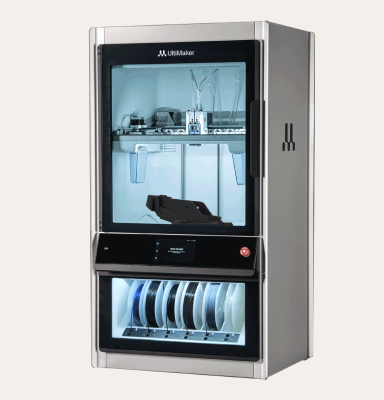
One of the key strengths of multi-material 3D printing is the ability to combine different materials within a single print job, allowing users to leverage the unique properties of each material for optimal performance. The UltiMaker S Series, with its dual-extrusion capabilities and open material platform, supports a wide range of material combinations—ranging from soluble supports to engineering-grade dual-material prints. Below are some of the most impactful combinations categorized by use case:
- Multicolor Material Combinations
- Support Material Combinations
- Functional Material Combinations
Keep reading, download our guide