Cura 5.12 is now available. This release focuses on something simple: better real-world results. Cleaner bridges, faster and more reliable infill, smarter defaults, fewer small frustrations in day-to-day work.
If 5.11 expanded control, 5.12 refines performance.
Cleaner bridges and sharper thin features
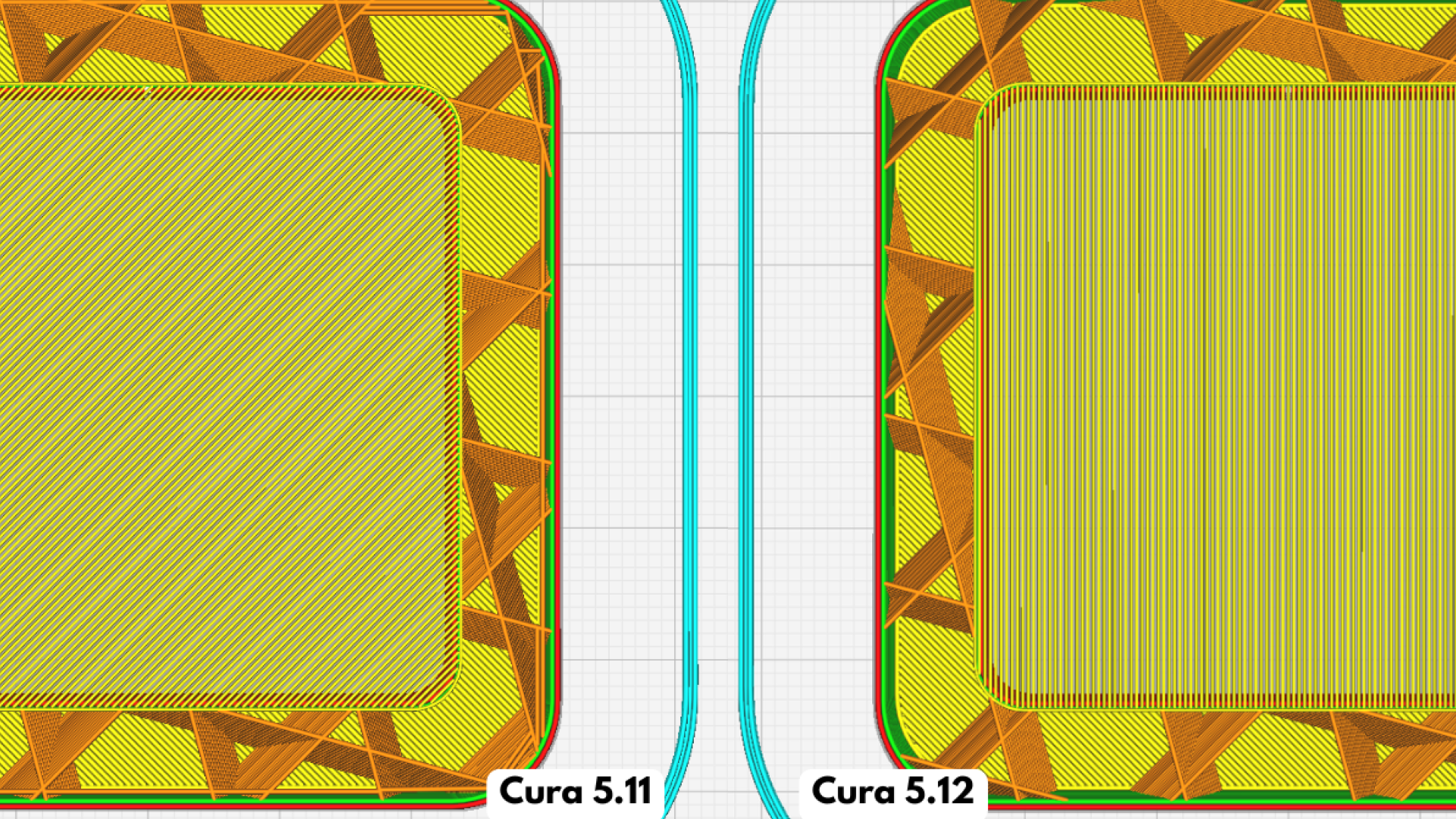
Bridging over non-rectangular surfaces has been improved, producing more consistent spans on complex geometries.
We’ve also updated combing behavior for thin parts. Travel moves now better avoid walls, reducing oozing across delicate features. The outcome is straightforward: fewer cosmetic defects and less cleanup on precision parts.
Scarf seams have also been refined to behave more reliably alongside overhangs, improving surface consistency where transitions matter.
New infill patterns built for speed
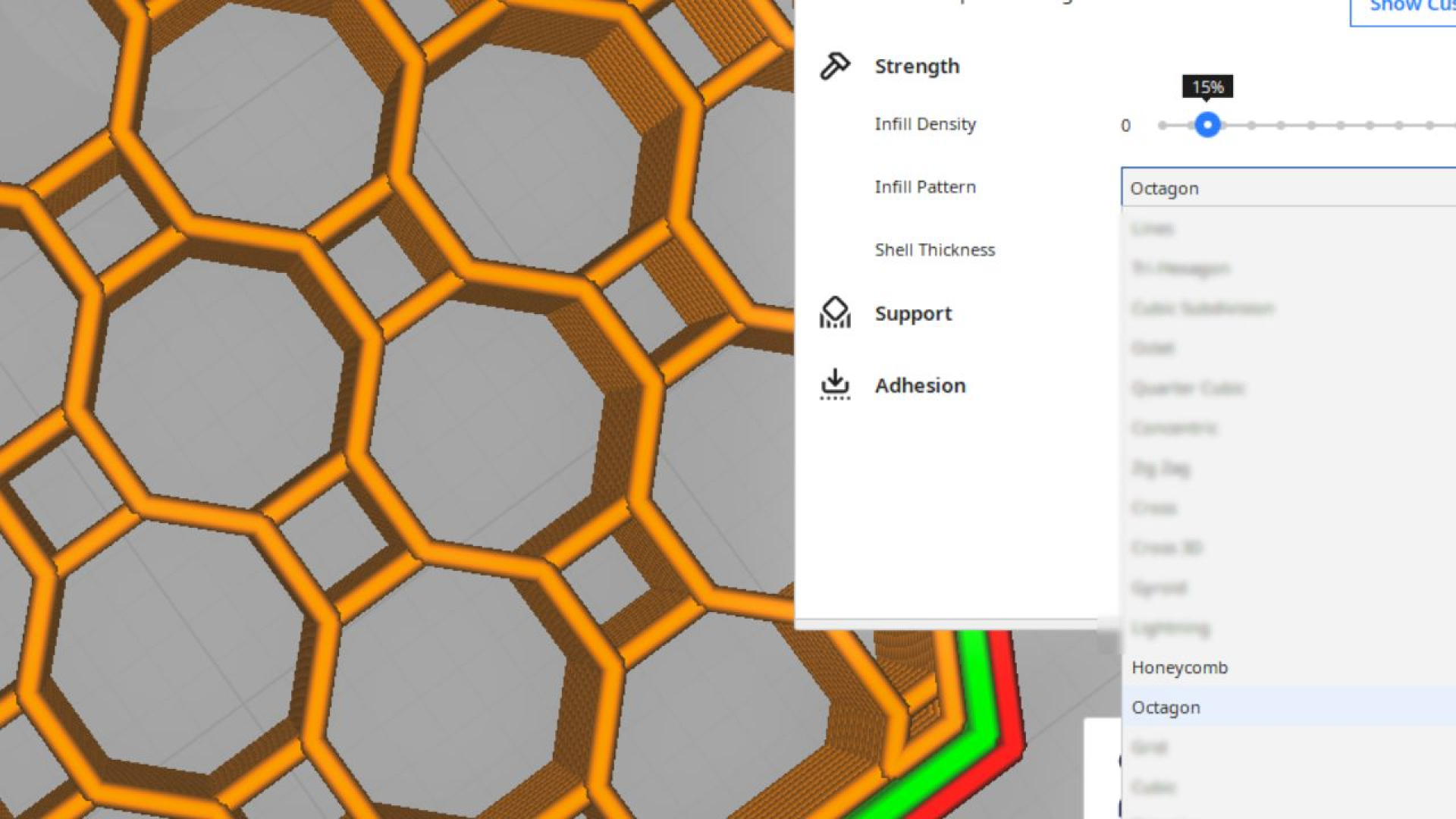
Cura 5.12 introduces Honeycomb and Octagon infill types. Both are fast, structurally effective, and do not self-intersect.
Why that matters: at higher speeds, self-intersecting infills like Grid, Triangular, and Cubic can introduce surface artifacts. In Recommended mode, these patterns are now hidden for certain printers to prioritize quality. They remain available in Custom mode for users who want full control.
More precise infill behavior
Two new settings improve infill performance and wall quality:
- Infill Start/End Move Inwards Length adds a short priming line to prevent blobs forming on outer walls.
- Infill Skin Support replaces multiple overlapping legacy settings with one clearer control.
These updates help deliver stronger parts and cleaner surfaces, especially at higher throughput.
Better seam placement and more realistic time estimates
A new Middle option has been added for Z Seam positioning, offering additional flexibility for part aesthetics.
We’ve also introduced a Print Estimation Factor in printer settings. If estimated times consistently differ from actual production times, you can now calibrate predictions to better match your environment. That means more accurate planning and fewer scheduling surprises.
In Preview mode, the layer slider now shows both layer number and actual height, making part inspection more precise.
Practical usability improvements
Several updates reduce friction in everyday use:
- A preview warning appears if your model isn’t visible because an extruder is unchecked.
- A pop-up guide assists when using Select Face mode while rotating a model.
- A new Help menu button opens log files instantly for troubleshooting.
- UI and post-processing plugin reliability has been improved overall.
Small changes, but meaningful in production environments.